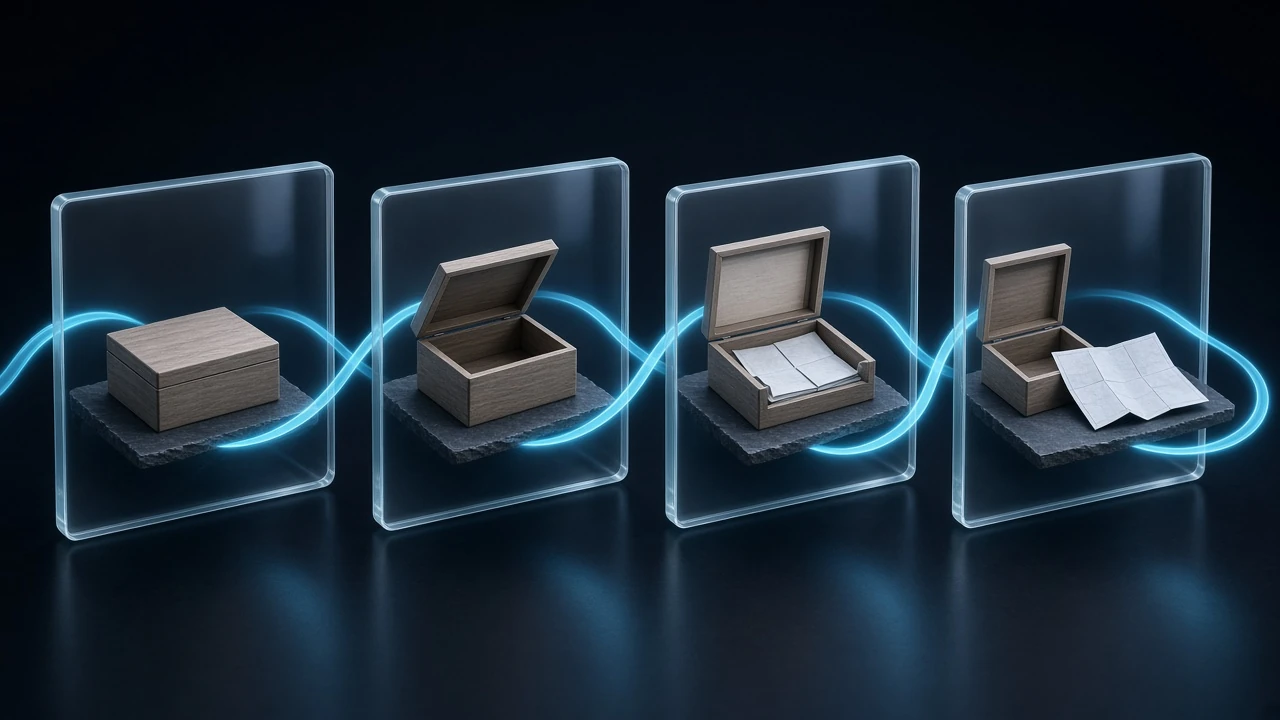
MAGI-2 storyboarding starts with a timing decision: does the idea need one continuous observation, or several shots that communicate different things? A 30-second allowance is not an instruction to fill every moment with action. Build a small sequence the audience can follow, then decide how much time each change deserves.
The method below is a planning workflow, not a demonstration of exact timing control. No storyboard example was generated or tested, and no continuous-take or physical-consistency guarantee is implied.
What a MAGI-2 storyboarding plan can specify
A storyboard records the intended sequence: what the viewer sees first, what changes, what is heard and where the scene ends. It can be a few sketches with notes or a simple beat table. You do not need a specialized in-studio timeline to prepare one.
Sand's Ark compatibility contract documents whole-second output durations from 4 to 30 for MAGI-2. That range describes a generation request. It is not a specification for the length of a finished film, nor does it require every result to contain exactly one shot.
Separate three concepts before writing:
- Duration: the requested length of an individual generated clip.
- Shot intention: whether you want an uninterrupted view or planned changes in viewpoint.
- Finished sequence: the material assembled and reviewed for its eventual use.
Sand.ai's flagship announcement discusses both continuous-take examples and timeline/shot-cut capabilities. These are developer-described model capabilities, not proof that a third-party studio exposes a precise timeline editor or reproduces requested cut points reliably.
magi-2.online is an independent third-party studio, not Sand.ai's official service. This article does not claim a logged-in timeline, shot editor or tested generation workflow exists there.
Why action density matters more than filling the maximum
An action needs room to be understood. A character reaching for a box, opening it, finding a letter, reading aloud and reacting is not one simple event just because it fits in one sentence. Each stage changes the viewer's focus and creates another continuity requirement.
Use a beat as the smallest meaningful change in the scene. A beat might be noticing an object, making contact with it or revealing its contents. Keep descriptive atmosphere separate: a quiet room can continue through several beats without becoming a new action each time.
Before assigning seconds, remove events that do not serve the ending. If the point is the discovery of an empty box, a long entrance, a camera orbit and a second speaker may distract from the one necessary reveal. This is an editorial simplification strategy, not a measured rule about model reliability.
How to build a timed scene plan
1. Define an ending the viewer can recognize
Write down what should be different at the end. “The sealed envelope is now open, and its blank contents are visible” is observable. “The scene feels mysterious” is a mood, not a completed action.
List what must stay stable while that change occurs: the envelope, the character's clothing, the table and the room layout. These become inspection targets rather than assumptions about guaranteed identity or geometry.
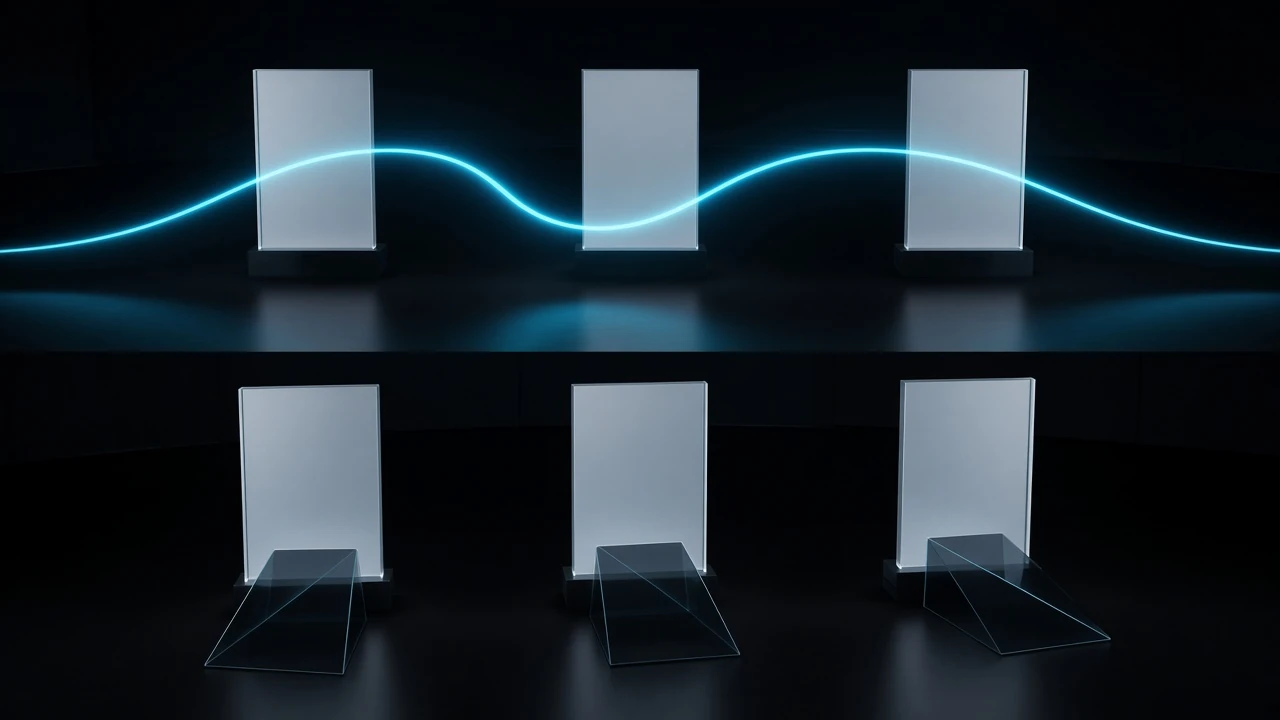
2. Choose a single take or deliberate cuts
A single-take intention can emphasize the relationship between cause and effect. You may want to see a hand reach, grasp and release without a cut hiding the contact. The trade-off is that the entire route needs to remain plausible on screen.
A multi-shot intention can separate an establishing view, an action detail and a reaction. The trade-off is continuity between shots: which hand holds the object, which direction the person faces and where the object sits after the cut.
Do not request both a locked, unbroken view and several camera-angle changes without explaining the intended structure. A moving camera and an editorial cut are different ways of changing what the viewer sees.
3. Allocate time to readable phases
Sketch the opening state, the main change and the ending hold before adding detail. The times are planning targets, not frame-accurate instructions that have been verified in this studio.
For a brief action, a shorter request may suit the idea better than the maximum duration. For a longer sequence, leave breathing space around the important contact or reveal instead of adding more events solely to occupy the interval.
NanoAPI's Text to Video specification describes a prompt-only mode with a duration parameter. A written beat sheet can communicate your intention in that prompt; it should not be mistaken for a validated multi-track timeline command format.
4. Give the sound its own beat column
Note when dialogue should occur, which visible action should make a sound and what continues underneath. Avoid asking a short line to coincide with several loud events if the words need to be understood.
Mark desired relationships, not just sound names. “A soft click when the case shuts” is more reviewable than “realistic audio.” It still requires listening to the actual result; the wording does not guarantee synchronization or acoustic realism.
Example 30-second board, not generated or tested
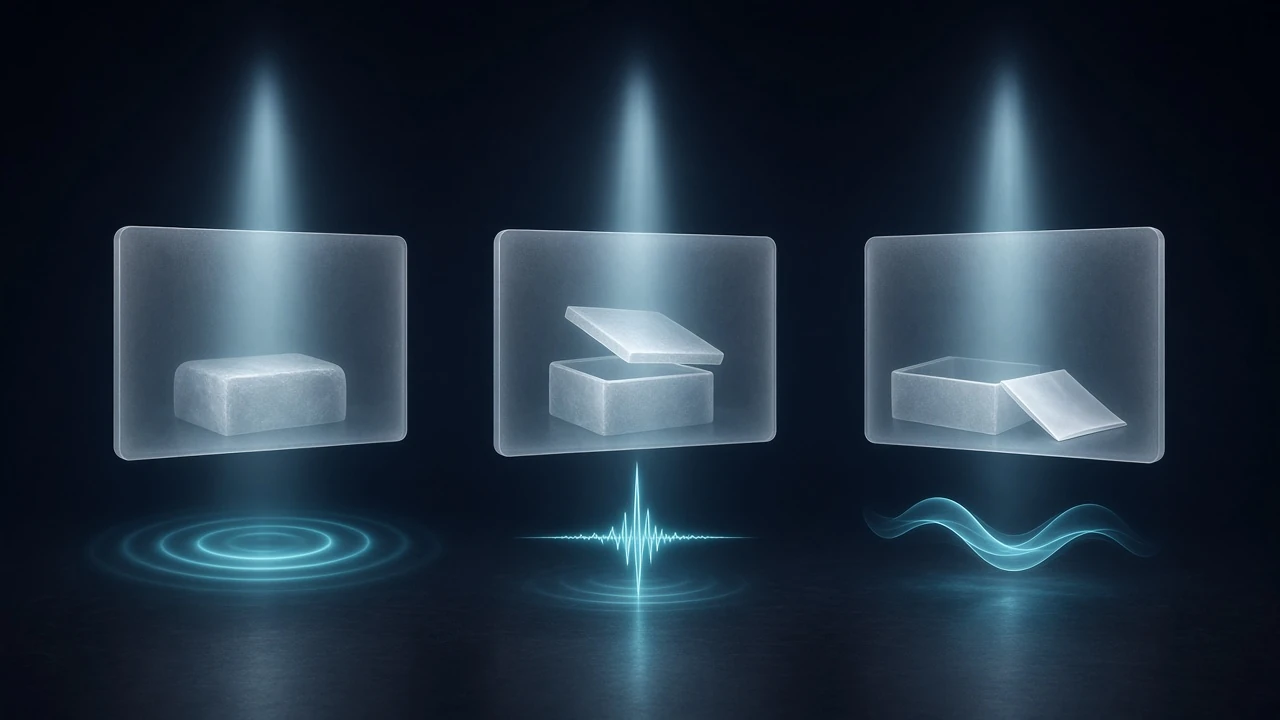
Example, not generated/tested. The following is a hypothetical continuous-view plan, not a successful output or a promise of exact event timing.
The scene takes place at a small writing desk. A fictional archivist opens a wooden case and places a folded map beside it. The viewpoint remains fixed so that the case, hands and map stay visible.
| Suggested interval | Visual intention | Sound intention | Acceptance question |
|---|---|---|---|
| 0–6 seconds | Establish the archivist and closed case | Quiet room atmosphere, no speech | Is the starting layout understandable? |
| 6–14 seconds | Open the latch and lift the lid | One latch sound and a gentle hinge movement | Do contact and object shape remain plausible? |
| 14–24 seconds | Lift the folded map and set it beside the case | Restrained paper rustle | Does the map travel continuously between locations? |
| 24–30 seconds | Release the map and pause | Room tone settles, no added event | Does the ending preserve the intended layout? |
Example prompt, not generated/tested:
> Hold one fixed medium-wide view of a fictional archivist at a writing desk. Begin with the wooden case closed. Let the archivist open its latch, lift the lid, take out one folded map and place it beside the case. Keep these actions in that order, with time to see each contact clearly. Finish with the hands released and the map resting on the desk. Include quiet room ambience, a light latch click and restrained paper rustling. No dialogue or music. Request an uninterrupted take without cuts.
The proposed intervals total 30 seconds, but the prose does not encode guaranteed cut or event times. If the model compresses the action, pauses unexpectedly or introduces a cut, evaluate the result against the storyboard instead of retroactively describing it as intentional.
A multi-shot alternative
Example plan, not generated/tested. For a different creative intention, divide the same story into an establishing view, a closer view of the case opening and a final view of the map beside it. This is an alternative, not an extra instruction to combine with the uninterrupted-take prompt.
Keep an explicit continuity note between views: the case stays in the same orientation, the same hand lifts the map and the final location agrees with the preceding movement. If those details matter, do not assume the cut will preserve them automatically.
Match the storyboard to the input mode
A text-only scene can be described without uploaded endpoints. A first-frame workflow starts from a chosen composition, while a first-and-last-frame workflow also provides a destination. General reference mode gives media other conditioning roles.
The Ark contract excludes general image, video and audio references from frame requests. Choose the mode that matches the storyboard's main requirement rather than assuming every useful asset can be included at once. If you supply images, footage or recordings, use materials you own or are authorized to transform, including any necessary permissions for recognizable people and voices.
Do not invent a website control to solve a planning problem. You can keep a beat sheet in a separate document and use the actual interface only for supported inputs. Read the site's terms of service before submitting project materials.
Review timing, continuity and the actual file
Watch the complete clip at normal speed first. Does the story read without your notes? Then review the important transitions: first contact, lifting, placement, release and any cut. Check identity and object details at the start, middle and end, but do not rely only on isolated frames.
Sand.ai acknowledges remaining fast-motion trajectory artifacts and complex-soundscape limitations. It also describes a latent upscaling stage for 1080p output. Neither the output resolution nor a long-duration option proves that motion, text or physical contact is correct.
NanoAPI's output documentation specifies a 25 fps MP4 and notes that delivered runtime can extend slightly beyond the requested duration. Inspect the actual downloaded file before planning exact downstream edit boundaries. Do not assume that a requested duration is a frame-accurate delivery measurement.
Keep the prompt, beat sheet and relevant settings with your review notes. Sand's native API reference documents seed and prompt-enhancement parameters; record them if they are available in the interface used. This is not a claim that the website exposes those parameters or that a fixed seed guarantees identical outputs.
FAQ
Does a 30-second request guarantee a continuous take?
No. Duration and shot structure are different requirements. Request the intended structure and inspect the result for unexpected cuts or discontinuities.
Can I guarantee an event at an exact second?
No such timing reliability was tested here. A beat table is a planning aid, not proof of precise control in a particular studio.
Should every scene use the maximum duration?
No. Choose enough time for the important action and its ending. Avoid adding unnecessary events merely to occupy the full allowance.
What should I simplify when continuity fails?
Reduce simultaneous changes. Try fewer actions, a less demanding camera plan or a clearer object route before adding more instructions.
Is this a built-in timeline tutorial?
No. It is an external storyboarding method grounded in documented duration and mode boundaries. It does not invent a timeline feature or claim generated examples were successful.
Sources & References
- NanoAPI — MAGI-2.0 Model Overview & Specifications
- NanoAPI — MAGI-2.0 Text-to-Video Endpoint Guide
- Sand.ai Platform — MAGI-2 API Reference
- Sand.ai Platform — Video Generations Documentation
- Sand.ai — Official MAGI-2 Flagship Announcement
- MAGI-2 Online Studio — Independent Web Workspace
- MAGI-2 Official YouTube Channel (@magi2online)