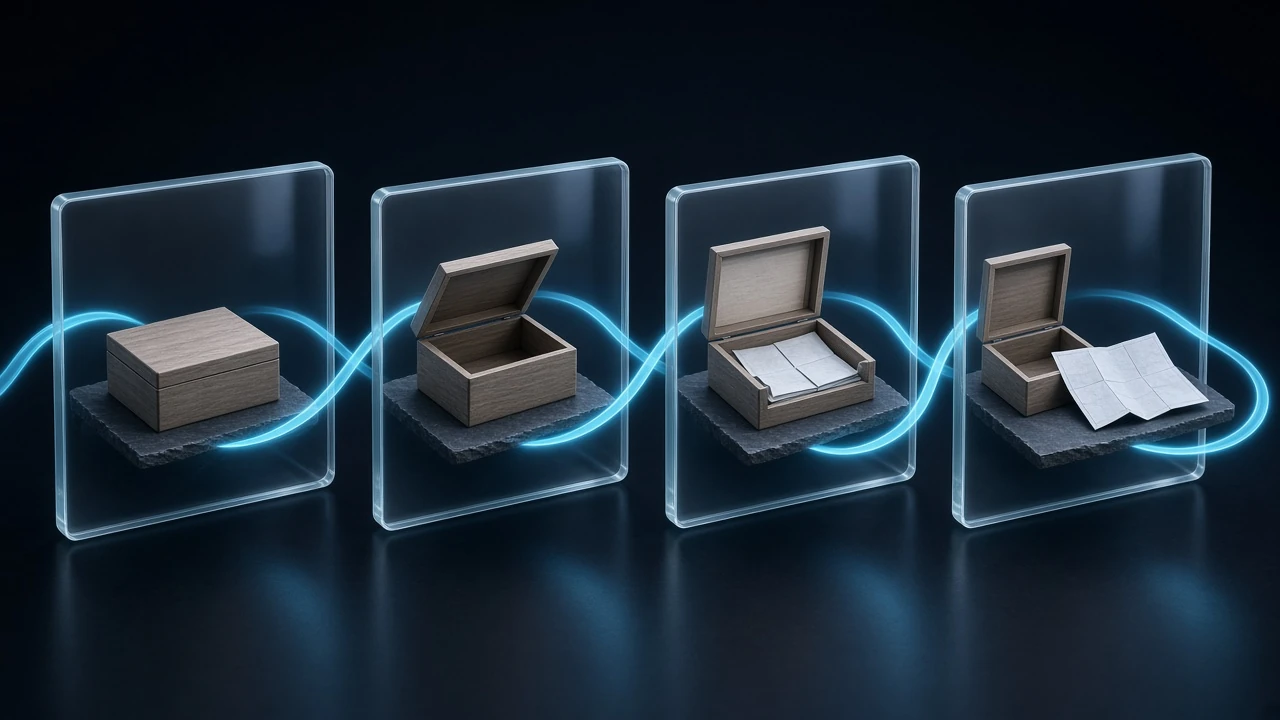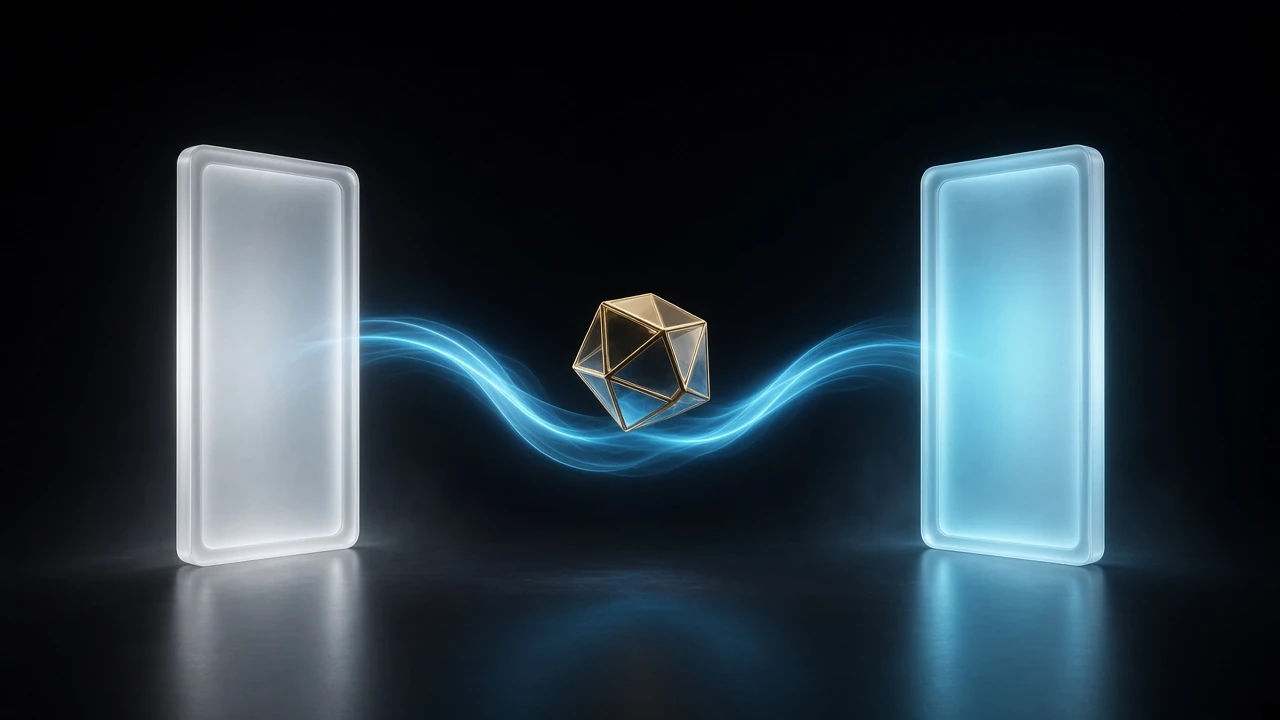
MAGI-2 first and last frames give an image-to-video brief two visual destinations: where the scene begins and, optionally, where it should finish. The difficult part is not simply choosing two attractive pictures. It is asking for a transition that makes sense between them.
Begin with compatible composition, subject identity and spatial relationships. Describe the motion needed to connect the images, then judge the middle of the clip as carefully as its endpoints. Two convincing stills do not guarantee a convincing journey.
What MAGI-2 first and last frames actually specify
In NanoAPI's First and Last Frame documentation, image_to_video accepts one or two images. The first image establishes the opening frame; a second image supplies the intended ending. A prompt is required by this provider, and the requested aspect ratio should match the first image. NanoAPI explicitly says results with a different ratio have not been verified.
That is different from giving the model a general reference photograph. A reference can suggest appearance or setting without necessarily being an endpoint. A first frame has a positional role in the sequence; the optional last frame adds a destination.
The Sand Ark compatibility contract likewise allows a first frame alone or a first frame paired with a last frame. It does not permit general image, video or audio references in the same frame request. It also makes the prompt optional in that interface, unlike NanoAPI. Follow the contract of the platform you actually use rather than combining convenient rules from different APIs.
magi-2.online describes an image-to-video workflow publicly, but it is an independent third-party studio, not Sand.ai's official service. This guide does not claim that its logged-in controls, backend routing or results were tested.
Why compatible endpoints make the brief easier to judge
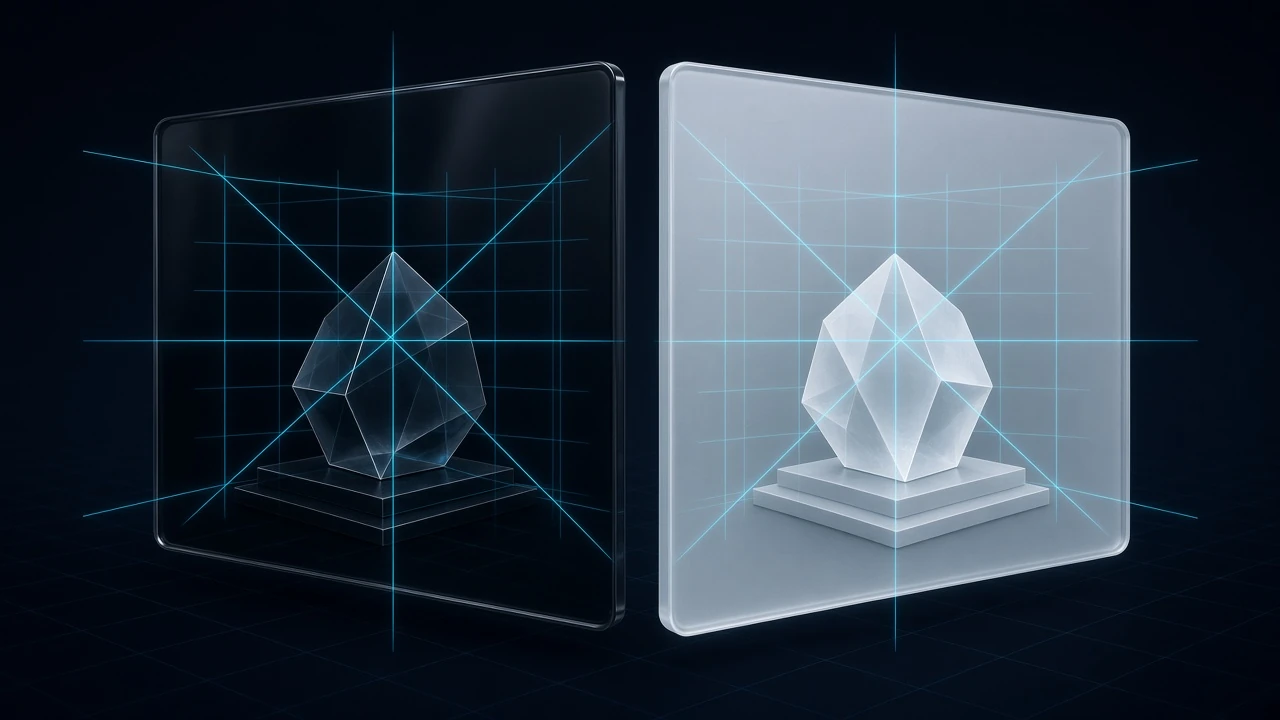
Endpoint planning is a way to expose contradictions before requesting a video. If a lamp begins on the left of a desk and ends on the right, something must account for the change: the lamp moves, the camera moves, or the scene transforms. Leaving that relationship unexplained makes it harder to distinguish intended motion from an error.
Audit the images side by side before drafting the motion description:
| Check | What to look for | A planning response |
|---|---|---|
| Identity | Different face, object shape or distinctive detail | Replace the conflicting image or explicitly plan a transformation |
| Pose | A large change with no plausible intermediate path | Reduce the change or allow a less compressed action |
| Geography | Furniture or background elements swap positions | Clarify camera movement or choose a more compatible pair |
| Lighting | Shadows and time of day disagree | Decide whether the change is intentional |
| Framing | Different crops hide important limbs or objects | Prepare matching composition before submission |
| Occlusion | An object appears behind something and ends in front | Describe how it passes around or across the obstruction |
These are editorial checks, not a claim that a certain amount of similarity produces a measurable success rate. The goal is a brief whose intended result is understandable to another person.
How to prepare a first-and-last-frame transition
1. Decide what changes and what stays fixed
Write a single sentence describing the transition. For example, a lantern moves from the center of a table to a marked position near its edge while the viewpoint stays still. The lantern's position changes; the room, table and camera do not.
Keep the initial attempt focused. If the camera orbits, the lighting changes and the subject transforms simultaneously, diagnosing an unwanted change becomes difficult. Save an ambitious transformation for a brief that actually needs it.
2. Prepare the images as a pair
Use images you own or are authorized to upload and transform. For pictures of people, obtain the necessary consent for likeness use and consider whether the intended depiction could mislead viewers. Cropping an unauthorized photo does not resolve its rights status.
Match the intended output orientation to the first frame and prepare the second image in the same ratio as a practical precaution. NanoAPI's recommendation concerns the first frame's ratio; matching the pair is an editorial preparation step, not a separate documented guarantee.
Inspect important details at a useful viewing size. A face hidden in the opening image cannot supply the same visual information as a clear portrait. A tightly cropped endpoint can also make the requested route ambiguous if the object must travel through space that neither image shows.
3. Describe the path, not just the destination
The images already communicate much of the appearance. Use the prompt to explain what happens between them: who acts, the direction of travel, the camera's behavior and the intended ending pause.
Prefer “the hand slides the lantern to the right along the tabletop” over “make a smooth transition.” The former describes the desired action; the latter names a quality you still need to evaluate.
NanoAPI documents whole-second output lengths from 4 to 30 for this mode. Choose a duration that fits the action, but do not treat the upper bound as a promise of a single continuous shot or exact timing. A requested endpoint is not proof that every intervening movement will obey physical constraints.
4. Keep frame mode separate from reference mode
Do not add a choreography clip or soundtrack reference to a frame request just because it would be creatively useful. The documented mode boundaries do not permit that combination. If motion-reference media is essential, reconsider whether the task belongs in a reference workflow instead of endpoint mode.
There is also an interface distinction inside Sand's own platform. The native API reference says that native parts do not accept a role field and directs first/last-frame users to Ark compatibility. An Ark field name is not automatically valid in a native request, much less a third-party website field.
Example transition brief, not generated or tested
Example, not generated/tested. This is a hypothetical six-second plan. The images and resulting video have not been generated or evaluated.
- Opening image: a brass lantern sits in the center of a wooden table; a person's right hand rests nearby.
- Ending image: the same lantern sits farther right on the same table; the hand has released it.
- Fixed elements: camera position, room lighting, table geometry and lantern design.
> Begin from the supplied opening image and move toward the supplied ending image. Keep a fixed medium view of the tabletop. The right hand gently slides the brass lantern across the wood toward the right, stops it at the ending position and releases it. Keep the lantern upright and the table unchanged. Include a quiet sliding sound followed by soft room ambience. No dialogue or music. Finish with a brief still moment.
This brief requests contact, travel and release rather than an unexplained change of location. It still cannot guarantee that the hand remains anatomically stable, that the lantern maintains its shape or that the sound starts at the correct instant. Those become acceptance checks.
For a provider using NanoAPI's documented image tokens, the first and second images can be named @Image1 and @Image2. Do not assume the tokens themselves assign endpoint roles in every interface; correct input selection and ordering still matter.
Review the middle, not only the opening and ending
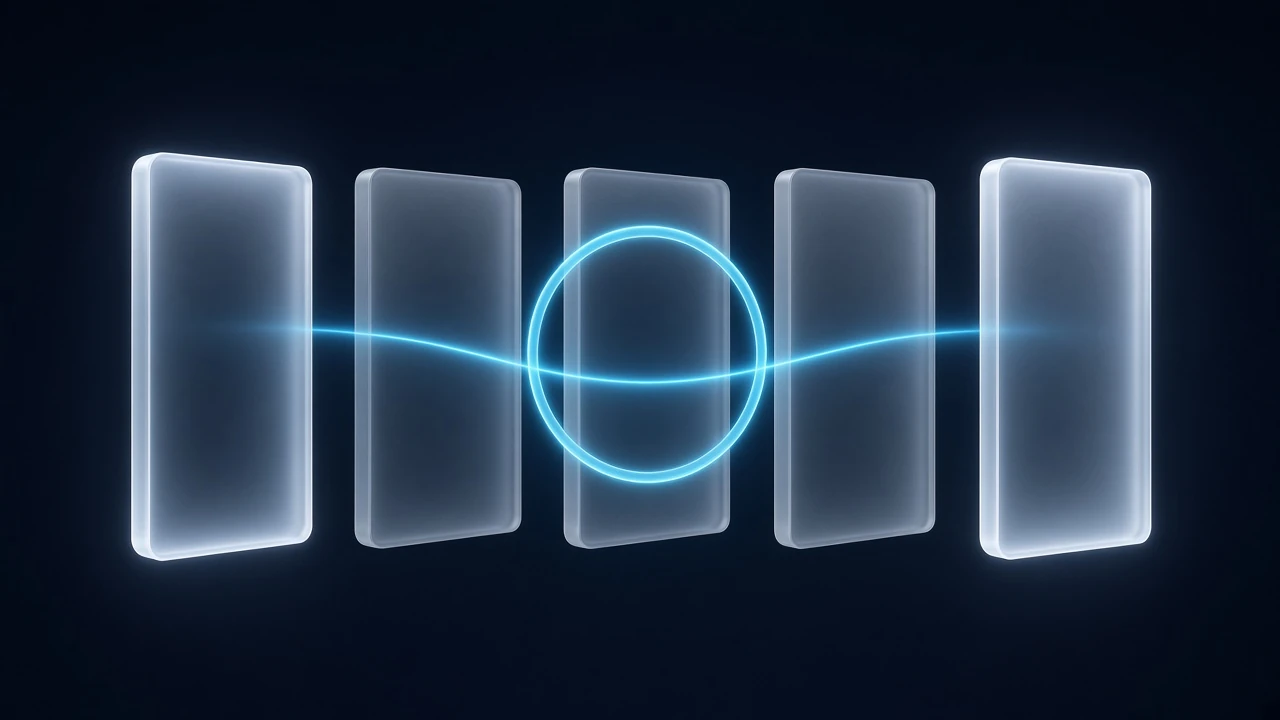
Watch once at normal speed, then examine the transition more closely. Ask whether the object followed the intended route, whether the hand remained in contact and whether anything changed shape while moving. An acceptable-looking final frame can hide a jump or disappearance halfway through.
Sand.ai's flagship announcement and limitations acknowledge trajectory and continuity artifacts during extreme high-speed motion. The same source describes a latent upscaling stage for 1080p delivery. Neither endpoint conditioning nor output resolution establishes perfect physical consistency.
Check the soundtrack independently. The NanoAPI MAGI overview documents output sound as enabled by default, while excluding audio references from image-to-video mode. Generating sound and uploading an audio reference are different operations. A sliding noise can be requested in text without implying that a particular recorded sound can be attached to this mode.
If the transition fails, revise the smallest relevant part. For an unwanted camera move, simplify the camera description. For an implausible leap between endpoints, choose a closer ending pose or describe the route more clearly. If the endpoint itself is wrong, revisit the image pair rather than endlessly appending “accurate” to the prompt.
FAQ
Can I supply only the last frame?
Not under the documented NanoAPI or Sand Ark frame contracts discussed here. The supported arrangements are a first frame alone or a first frame plus a last frame.
Are first and last frames the same as two image references?
No. Endpoint images specify positions in the sequence. General references supply conditioning material with other roles. The distinction affects both creative planning and valid input combinations.
Can I demand an exact pixel match at the end?
You can state the intended destination, but this guide provides no evidence of guaranteed pixel-identical reproduction. Inspect the actual output, including details such as hands, faces, labels and object geometry.
Should I use this mode for a complex multi-shot sequence?
Use it when start and end composition are central to the task. If your main requirement is multiple reference-driven performances or several distinct scenes, reassess the workflow rather than assuming two endpoints fully specify it.
Where can I check the site's conditions before uploading?
Read the terms of service and privacy policy. Keep the source images and your authorization records separately. A useful endpoint pair is both visually coherent and appropriate for the service you choose.
Sources & References
- NanoAPI — MAGI-2.0 Model Overview & Specifications
- NanoAPI — MAGI-2.0 Image-to-Video Endpoint Guide
- Sand.ai Platform — MAGI-2 API Reference
- Sand.ai Platform — Video Generations Documentation
- Sand.ai — Official MAGI-2 Flagship Announcement
- MAGI-2 Online Studio — Independent Web Workspace
- MAGI-2 Official YouTube Channel (@magi2online)