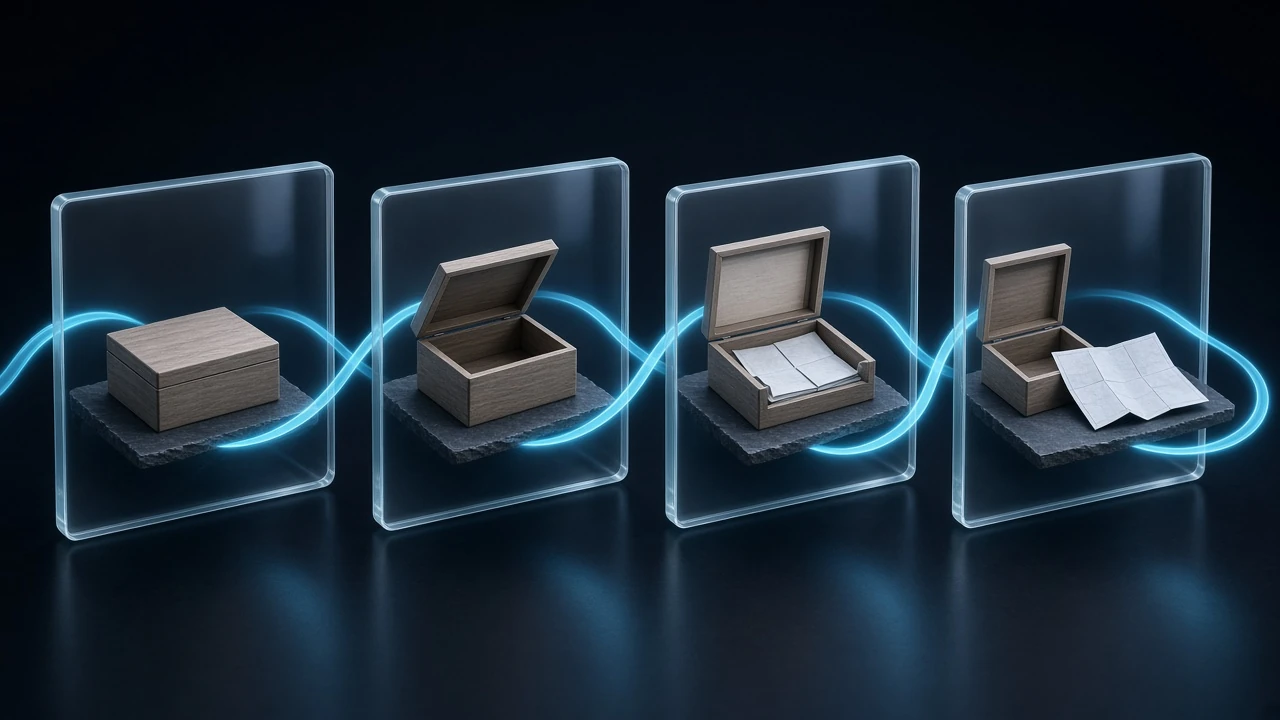
MAGI-2 native audio can put speech, action sounds and atmosphere into the same generated scene. That makes review more important, not less: a convincing image can hide a missing word, an early footstep or a voice that does not match the visible speaker. Treat the soundtrack as a deliverable with its own acceptance checks.
This guide focuses on listening and visual inspection rather than a general prompt recipe. It uses developer research and API documentation, not generated test clips. The example below is a planning exercise, and no lip-sync accuracy score or production-readiness claim is implied.
What MAGI-2 native audio means—and what it does not
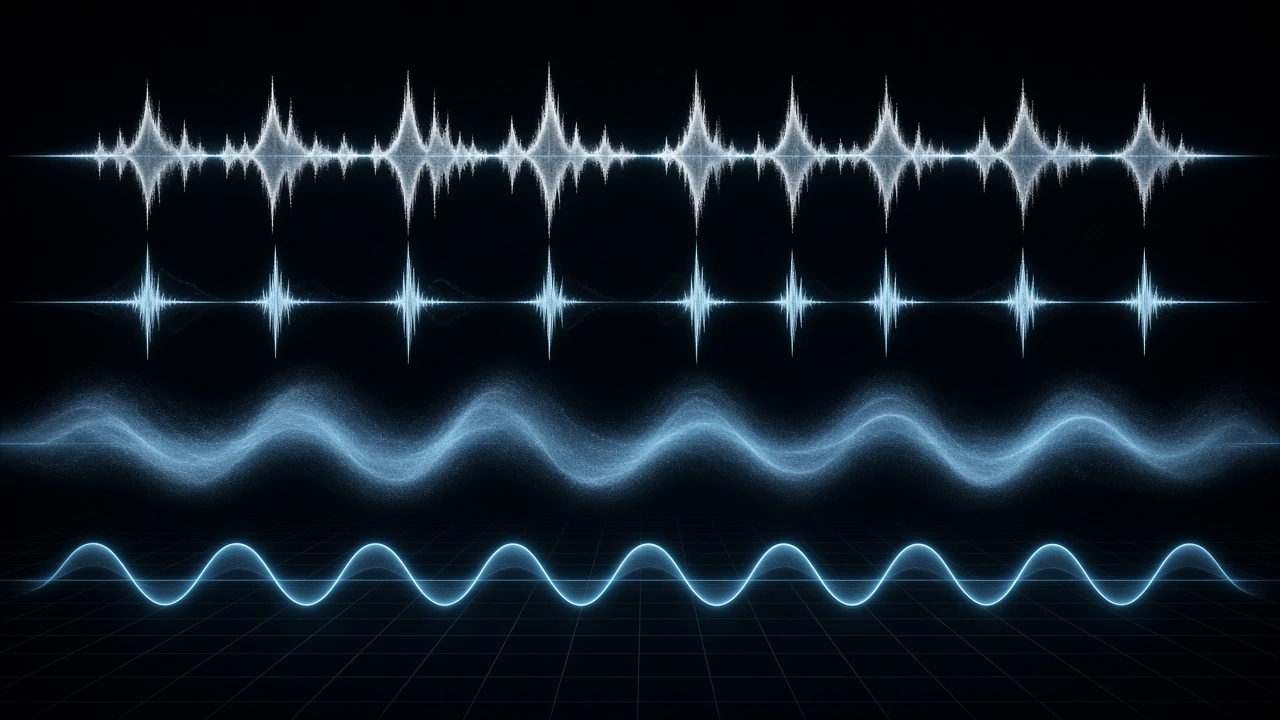
Sand.ai describes MAGI-2 as generating audio and video jointly within one backbone, including dialogue with lip-sync, foley, ambient sound and music. In practical terms, sound is part of the documented generative capability rather than merely a soundtrack that the creator must always add afterward.
That description does not guarantee an exact transcript, a perfectly synchronized mouth, a licensed song or the voice of a particular real person. Nor does “native” establish that every stage renders directly at the final pixel resolution: Sand.ai also describes latent spatiotemporal upscaling for 1080p delivery.
For review, separate the intended soundtrack into four jobs:
| Layer | What it contributes | What to inspect |
|---|---|---|
| Dialogue | Understandable words and speaker performance | Missing or substituted words, unclear speech, speaker attribution |
| Foley | Sounds associated with visible actions | Contact timing, missing events, inappropriate repetitions |
| Ambience | The continuing acoustic setting | Abrupt changes, distracting noise, mismatch with the location |
| Music | Mood, pacing or a musical foreground | Competition with speech, unwanted material, rights concerns |
You can omit a layer. A clear demonstration may be better served by speech and one contact sound than by a dense musical backdrop. That is a creative recommendation, not a measured claim about model performance.
Why the audio switch is not an audio reference
An output-audio setting answers whether the result contains a soundtrack. An audio reference is input material that can influence a reference-driven generation. They are different choices and should be reviewed separately.
NanoAPI's MAGI documentation describes generate_audio as enabled by default. Its Reference to Video documentation describes audio files as reference inputs in that mode. Those facts do not mean an uploaded recording can be used in every mode or that any interface exposes the same control names.
The distinction is explicit in other contracts too. Sand's native API reference permits audio references even when generateAudio is false. Meanwhile, Sand's Ark frame contract allows output-audio control but excludes general audio references from first/last-frame requests. A frame-based scene can request generated sound without accepting a reference recording.
magi-2.online is an independent third-party studio, not Sand.ai's official service. Its public audio claims should not be mistaken for a test of its authenticated interface, backend routing or downloaded files. Before a real project, check the available controls and the actual completed result rather than assuming an API default was preserved by the site.
How to prepare a soundtrack that can be checked
Write a reviewable line of dialogue
Start with one visible speaker and a short, unambiguous sentence. Record the intended wording separately so you can compare it with what you hear. A brief line makes manual comparison easier; there is no documented universal word limit implied by this recommendation.
Specify the speaking intention without demanding an unauthorized imitation. “A fictional presenter speaks calmly” is different from asking for a recognizable performer's voice. If a real person's likeness or recording is involved, obtain appropriate permission and do not assume that possession of a file grants all necessary rights.
Decide whether exact wording is essential. A minor variation may be acceptable in a fictional atmosphere study but unacceptable in a safety instruction. If the use requires dependable wording, plan for rejection or an authorized post-production alternative rather than treating generation as guaranteed transcription.
List the audible actions
Identify which visible actions should make sound. A mug placed on a desk, a latch closing and a person stepping onto gravel are distinct events. Note their intended order without claiming that the model will place them at exact timestamps.
This list gives you a way to detect both omissions and inventions. A contact sound before an object touches the surface can be distracting; repeated clicks with no corresponding action are also worth flagging. Assess the relationship, not just whether the sound is attractive in isolation.
Establish a listening priority
If dialogue carries the message, make it the foreground. Ask for restrained ambience and decide whether music is necessary. If a scene is about an approaching storm, the environmental build may matter more than a small incidental sound.
NanoAPI flags a possible consequence of supplying footage without an existing soundtrack: the generated scene can also be acoustically sparse. That is a provider-documented tendency, not proof that silent footage disables audio generation. Make the intended soundtrack explicit and inspect the result rather than inferring success from the input alone.
Example audio brief, not generated or tested
Example, not generated/tested. This hypothetical scene illustrates a review plan. No video, soundtrack or timing result was produced.
> A fictional museum guide stands beside a small wooden display case. Use a steady medium shot with the guide's face clearly visible. The guide says, “Listen to the latch.” After speaking, the guide gently closes the case. Keep the voice clear, add one light latch click at closure and maintain quiet indoor room ambience. No music and no other speech.
The intended acceptance criteria are separate from the prompt:
- The four spoken words are audible and recognizable.
- Speech belongs to the visible guide, not an unexplained offscreen voice.
- Mouth movement is broadly consistent with the spoken phrase.
- The latch click belongs to the visible closure, not an earlier gesture.
- The room background remains unobtrusive rather than changing abruptly.
These are proposed checks, not findings. If the guide speaks clearly but the latch clicks early, the audio is not fully acceptable merely because most of the scene works.
Review dialogue and lip-sync in separate passes
Listen without relying on the picture
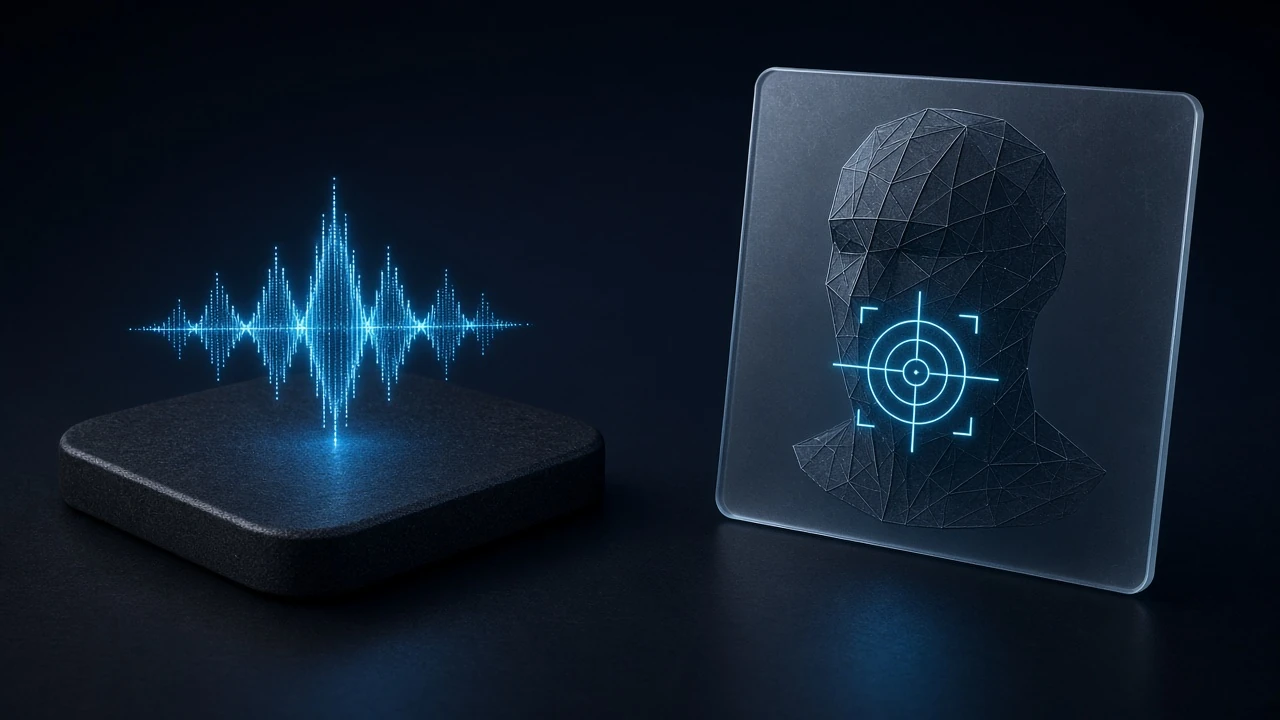
Play the soundtrack at a comfortable level and write down what you actually hear. Compare it with the intended line. Note omitted syllables, extra words, a clipped ending or an unexpected second voice. Do not silently “correct” the transcript based on what you expected the speaker to say.
Then listen to the complete scene. A line may be intelligible on its own yet masked by a competing sound. Review at ordinary playback speed; an attractive slowed-down demonstration is not the same as comfortable normal viewing.
Inspect the visible speech
Return to the image and examine whether mouth activity begins and ends in a plausible relationship with the voice. Look for long stretches of speech with a still mouth, mouth movement during silence, or a different character appearing to speak.
Certain lip closures can provide useful visual cues, but casual observation is not a standardized synchronization measurement. This workflow offers no frame-error threshold or validated detector. Use normal-speed perception and closer inspection together, recording what you observed rather than inventing a precision score.
If the mouth is tiny, turned away or obscured, call the result hard to assess. Lack of visible evidence is not proof of perfect synchronization. For a scene where lip-sync matters, plan framing that allows it to be reviewed.
Check foley, ambience and repair priorities
Watch contact events with the sound on, then listen for the surrounding acoustic continuity. Check whether a footstep corresponds to a footfall, whether a door sound belongs to the visible door and whether room tone disappears unexpectedly between actions.
Sand.ai acknowledges that complex soundscapes still need richer layering and greater physical realism. Do not interpret a plausible single click as proof that a crowded scene has acoustically correct reflections, distance cues or overlapping sources.
Classify issues before revising:
- Meaning-critical: wrong dialogue, misleading speaker identity or an inappropriate sound.
- Synchronization-critical: visible speech or contact events that perceptibly conflict with the soundtrack.
- Atmospheric: distracting background changes or a musical choice that weakens the scene.
Address the issue most important to the intended use. You might shorten the spoken line, remove an incidental event or request a less busy acoustic setting. Change one major variable where practical so the next review has a clear question. Do not assume there is a built-in stem editor, dubbing tool or timeline repair button unless the current site actually provides one.
Keep research versions and rights separate
The paper Speed by Simplicity: A Single-Stream Architecture for Fast Audio-Video Generative Foundation Model concerns daVinci-MagiHuman, a distinct model that processes text, video and audio in a unified sequence. It provides architectural background, not MAGI-2's measured language coverage, word error rate, hardware requirements or lip-sync score. Borrowing its numbers would misrepresent the evidence.
Similarly, a native soundtrack does not establish commercial clearance. Check permissions for uploaded music, recordings, voices and recognizable people, and review the site's terms of service. A technically convincing result may still be unsuitable for publication if it creates a deceptive impression of a real person speaking.
FAQ
Is perfect lip-sync guaranteed?
No. Joint audio-video generation is a documented capability, not a guarantee that every phoneme and mouth movement aligns. Review the completed clip for its actual use.
Does reference audio guarantee voice cloning?
No. Audio-reference support is not an unrestricted identity-replication promise. Consent, rights and the documented capabilities of the chosen interface still apply.
Can first-and-last-frame generation have sound?
The documented contracts provide output-audio controls, but frame mode does not accept the general audio-reference input discussed here. Generated output sound and uploaded reference sound are separate concepts.
What if the words are correct but the mouth is obscured?
You can judge the transcript while marking visible synchronization as inconclusive. Reframe the scene if observable lip-sync is an acceptance requirement.
What is the best first review target?
Choose one visible speaker, one short line and one audible action. A small, clearly specified scene makes it easier to identify what failed without pretending that any prompt guarantees success.
Sources & References
- arXiv:2603.21986 — Speed by Simplicity: Single-Stream Audio-Video Foundation Model
- NanoAPI — MAGI-2.0 Model Overview & Specifications
- NanoAPI — MAGI-2.0 Reference-to-Video (20-Asset) Guide
- Sand.ai Platform — MAGI-2 API Reference
- Sand.ai Platform — Video Generations Documentation
- Sand.ai — Official MAGI-2 Flagship Announcement
- MAGI-2 Online Studio — Independent Web Workspace
- MAGI-2 Official YouTube Channel (@magi2online)