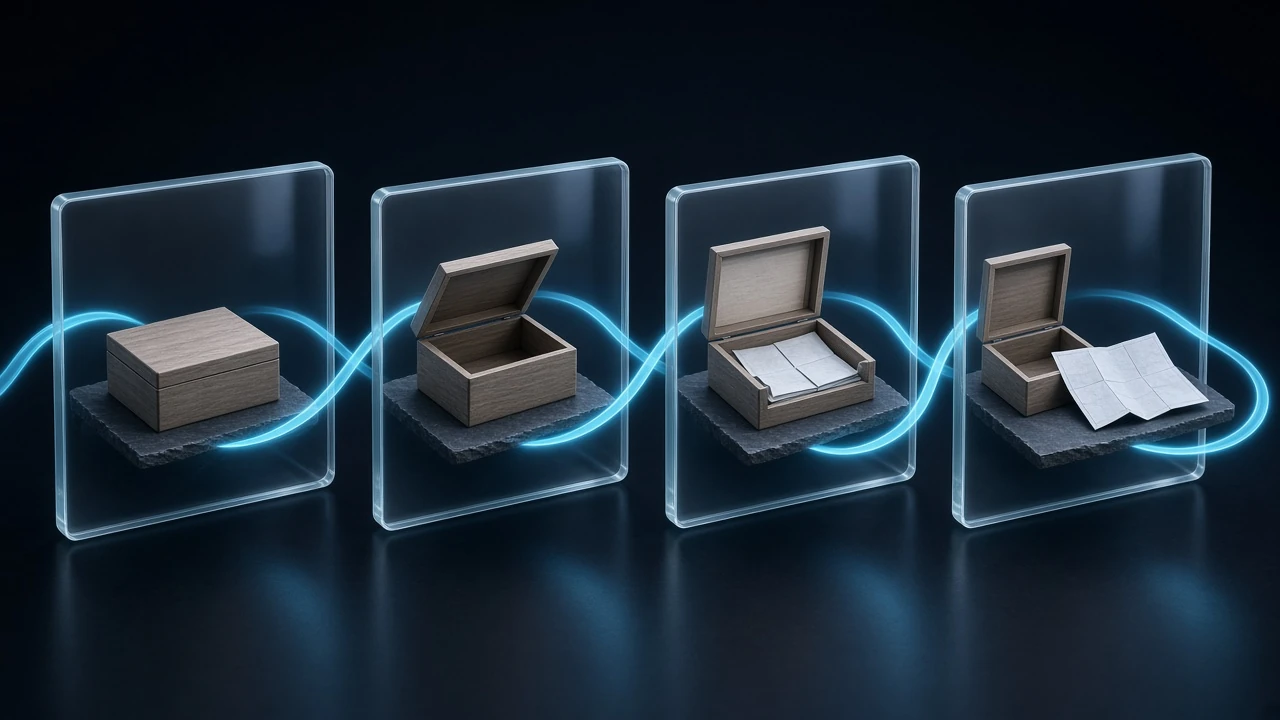
MAGI-2 reference-to-video supports a brief built from multiple kinds of media, but the useful question is not how to fill all 20 asset slots. It is which files explain the subject, movement and sound without contradicting one another. Start with an asset manifest, assign each file a purpose and remove anything that adds confusion rather than information.
The workflow below concerns documented reference inputs and practical organization. No example video was generated or tested. The aim is a smaller, auditable brief—not a promise of exact identity, choreography or voice matching.
What the MAGI-2 reference-to-video asset limit means
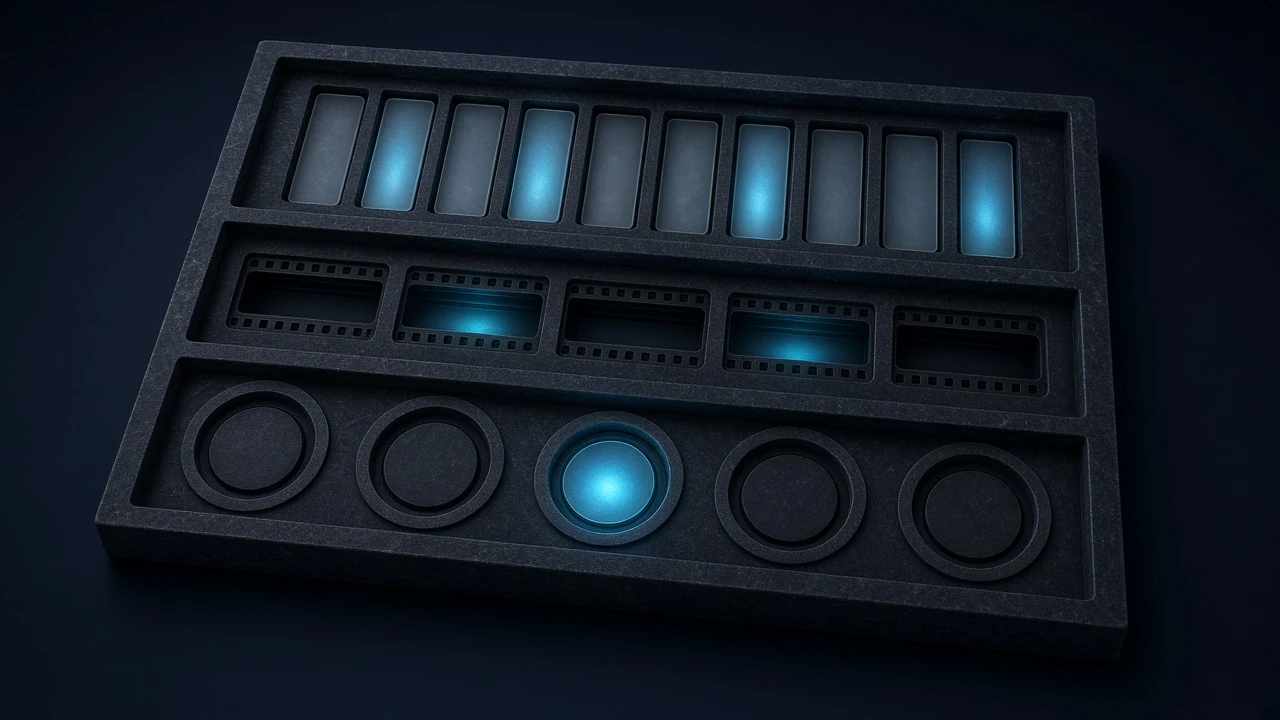
Sand.ai's MAGI-2 announcement describes omni-reference conditioning across images, video and audio, with up to 20 media items: 10 images, five videos and five audio clips. These are modality-specific ceilings, not a freely interchangeable pool. Unused audio slots do not create extra image slots.
NanoAPI's Reference to Video documentation requires at least one reference from the supported media categories; audio alone is a documented option. Its constraints include:
| Reference category | Maximum count | Duration constraint in NanoAPI's mode documentation |
|---|---|---|
| Images | 10 | No time duration |
| Videos | 5 | Each clip 2–30 seconds; all video clips together no more than 30 seconds |
| Audio files | 5 | Each file and the combined audio total no more than 30 seconds |
The two combined-duration budgets are separate. A collection of videos totaling 24 seconds and audio files totaling 20 seconds is not automatically a 44-second violation of a single shared budget. You still need to satisfy every count and per-file requirement.
Do not treat these few constraints as a complete upload specification. The interface used can impose further format or size rules. For example, Sand's native API media specification lists audio clips at 2–30 seconds each and counts repeated reference occurrences. NanoAPI's mode page instead recommends at least two seconds for each audio clip. Keep provider-specific requirements separate rather than inventing one universal contract.
Why an asset manifest helps
A reference file can be visually impressive yet unhelpful for the shot. A dramatic camera move may obscure the motion you want to borrow. A character portrait may contain a distracting outfit that conflicts with another image. A soundtrack may include a voice that you do not have permission to use.
A manifest makes those issues explicit before submission. It is simply a preparation document, not a claimed feature of the website. Record a local filename, intended role, relevant duration, permission status and whether the file contains something you do not want transferred.
Use one sentence to justify each asset. “Shows the performer's jacket and face clearly” is a role. “Looks cinematic” is not yet a useful reason to include a file. If two assets are supposed to communicate the same detail but disagree, select one or explain the intended difference.
How to build a reference set step by step

1. Define the output before collecting files
Write down the primary subject, the action and the intended sound. A simple rehearsal scene might need one character image, one room image, one movement clip and one ambient recording. It does not necessarily need every available angle of the character.
Separate non-negotiable details from flexible ones. A jacket color may matter more than a background shelf arrangement. This priority list becomes your review checklist later; it is not an assurance that the model will preserve those details.
2. Assign roles instead of assuming transfer
Give images clear jobs such as appearance, clothing or environment. Give video a movement or camera role. Give audio a rhythm or acoustic-reference role only when that use is authorized and supported by your chosen workflow.
Avoid asking a single clip to be both a strict motion template and an unrelated style suggestion without explaining which matters. Also avoid writing “copy everything” when only the arm movement is relevant. Specify what should be used, then inspect for unwanted carryover in the result.
3. Check both counts and running totals
A proposed set with three video clips of 8, 9 and 10 seconds totals 27 seconds, within NanoAPI's documented combined video ceiling. Adding another 6-second clip would bring it to 33 seconds and exceed that ceiling even though four files remain below the five-video count limit.
Similarly, two audio files of 12 and 16 seconds total 28 seconds. A third 5-second file would exceed the audio total. These are arithmetic examples, not submitted requests or verified outputs. Trim or replace files in your own editing tools before use; this article does not claim an in-studio trimming function exists.
4. Freeze the ordering and write the prompt
NanoAPI documents file references as @Image1, @Video1 and @Audio1, numbered independently within each media array. The first audio file is @Audio1 even if there are several images before it in your planning sheet.
Record the final order and update the prompt if you remove or reorder a file. Otherwise, a sentence that once pointed to a motion clip can point to something else after an edit. The token names are a provider convention; do not assume that typing one attaches a file or guarantees the same syntax across every platform.
5. Confirm that reference mode fits the job
A general reference is not the same thing as a mandatory opening or ending frame. Sand's Ark compatibility documentation permits mixed general references but excludes them from a frame request. If the task fundamentally requires designated first and last images, choose that workflow rather than adding endpoint instructions to an otherwise incompatible collection.
magi-2.online publicly describes reference-to-video access. It is an independent third-party studio, not Sand.ai's official service. The documented model and provider limits here are not a test of the site's authenticated upload interface or backend implementation. Check what the current interface actually accepts before preparing a large batch.
Example manifest and brief, not generated or tested
Example, not generated/tested. This hypothetical rehearsal scene uses four assets, not 20. No files were uploaded and no clip was evaluated.
| Planned reference | Intended role | Preparation note |
|---|---|---|
@Image1 | Fictional performer's face and teal jacket | Use an authorized image with a clear view |
@Image2 | Empty rehearsal room | Check that the setting does not conflict with the movement |
@Video1 | A slow turn followed by a raised hand | An authorized 8-second movement clip |
@Audio1 | Quiet room atmosphere | A self-recorded 6-second ambient clip without private speech |
> Use the fictional performer and teal jacket from @Image1 in the rehearsal room shown in @Image2. Use @Video1 as a reference for a slow turn followed by one raised hand; do not reproduce its background. Hold a stable medium-wide view. Use @Audio1 as the reference for quiet room atmosphere. No dialogue or music. Keep attention on the performer's turn and final hand position.
This example explains the source of each desired attribute. It does not demonstrate that the performer, movement or sound will match exactly. If the scene fails, the manifest tells you which file and instruction to inspect first.
NanoAPI notes that a silent reference video may result in little sound. Treat that as a provider warning, not a universal rule that silent inputs prohibit generated audio. If sound matters, describe the intended soundtrack clearly and check the relevant output-audio setting.
Check consistency before adding more references
Review identity, wardrobe, geometry, movement and sound separately. Pause on the start, middle and end to inspect distinguishing details. Watch at normal speed for distracting changes that are less obvious in isolated stills.
Sand.ai acknowledges continuing limitations in fast-motion continuity and complex soundscapes. A larger reference set does not remove those limitations or certify realistic physics. If the result looks confused, reduce conflicting inputs before concluding that the solution is more material.
For sound, listen for unwanted speech, music or changes in acoustic character. Do not assume that an authorized visual reference also grants permission to reuse its embedded soundtrack. Keep rights records for images, footage, recordings, recognizable people and any brands involved. The site's terms of service should be read alongside the permissions applicable to your own materials.
FAQ
Do I need exactly 20 references?
No. Twenty is the combined maximum across the documented category caps. Start with the files needed to communicate the scene, not with a target slot count.
Can I replace unused image slots with more videos?
No such trade is documented. The five-video limit remains separate from the ten-image limit.
Can a reference guarantee the same face or voice?
No guarantee is established here. References guide generation; identity, articulation and resemblance still require review. Do not treat reference audio support as unrestricted voice cloning.
Is a reference clip's length the same as the output length?
No. Input-media duration budgets and requested output duration describe different constraints. Check each independently in the provider or interface documentation.
What should I save with the result?
Keep the prompt, ordered manifest, rights records and a description of any important mismatches. That record is more useful for revision than an unsupported claim that all references were followed perfectly.
Sources & References
- NanoAPI — MAGI-2.0 Model Overview & Specifications
- NanoAPI — MAGI-2.0 Reference-to-Video (20-Asset) Guide
- Sand.ai Platform — MAGI-2 API Reference
- Sand.ai Platform — Video Generations Documentation
- Sand.ai — Official MAGI-2 Flagship Announcement
- MAGI-2 Online Studio — Independent Web Workspace
- MAGI-2 Official YouTube Channel (@magi2online)